4 min read
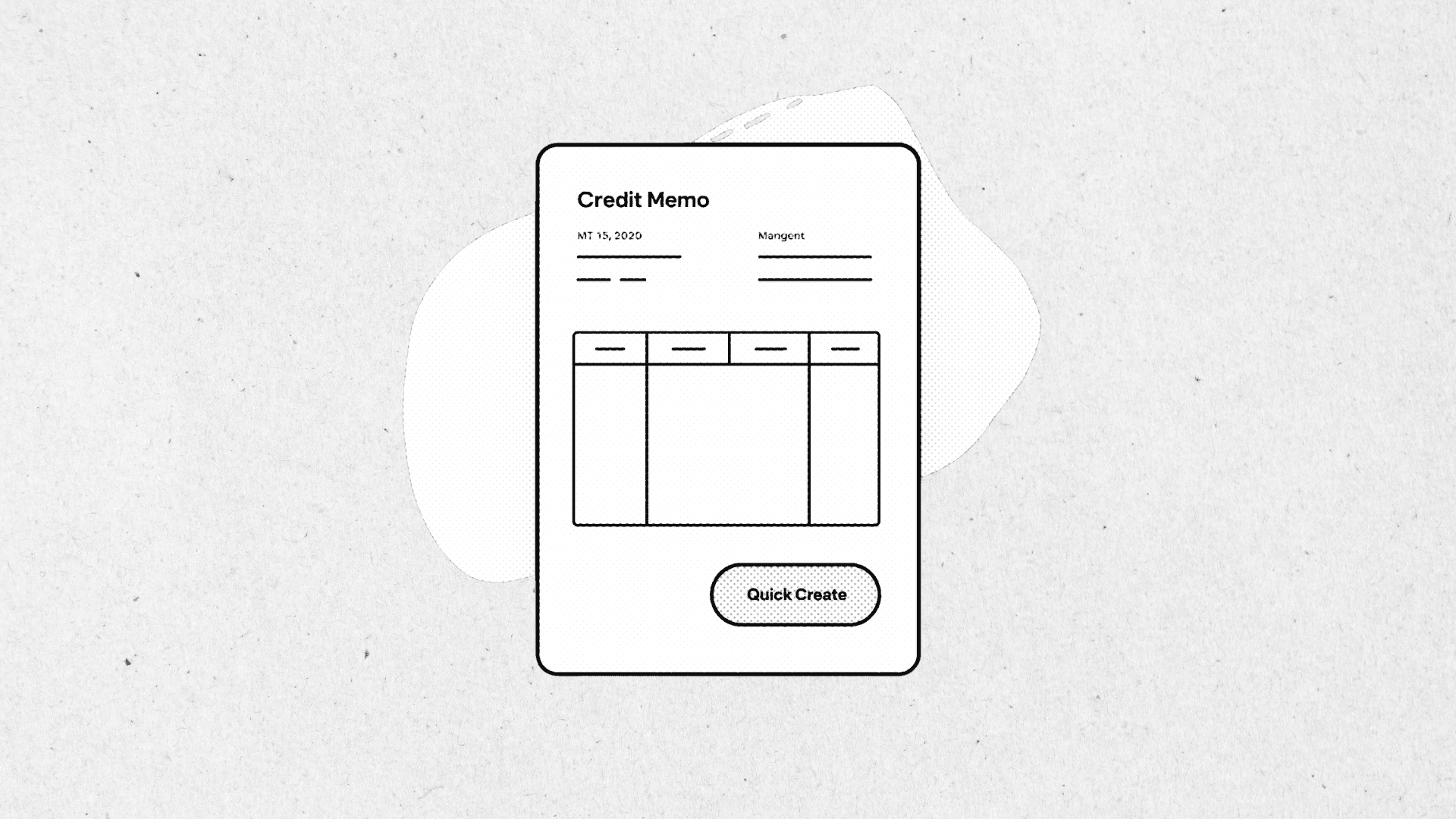
Creating credit memos against invoices requires navigating to the credit memo form, linking the invoice, and copying line details. For high-volume credit processing, these steps add up and introduce opportunities for errors.
We added a one-click credit memo function directly on invoice records that creates a credit memo pre-populated with invoice details, ready for quantity or amount adjustment before saving.
A button on the invoice opens a credit memo with customer, lines, and amounts pre-filled from the source invoice. Users adjust quantities or amounts as needed and save—no manual data entry required.
Credit memos created in seconds instead of minutes
Reduced data entry errors
Automatic link to source invoice
Faster processing of returns and adjustments
Author

Tags